Fixspert Free Tools

Every year, thousands of new bloggers and site owners hit the same wall: they build a website, apply for Google AdSense, and get back a vague rejection notice with almost no explanation. Community reports on Google's own AdSense forum suggest a majority of first-time applications don't make it through — usually for the same handful of avoidable reasons. Before you find that out the hard way, it's worth running an AdSense approval checker first.
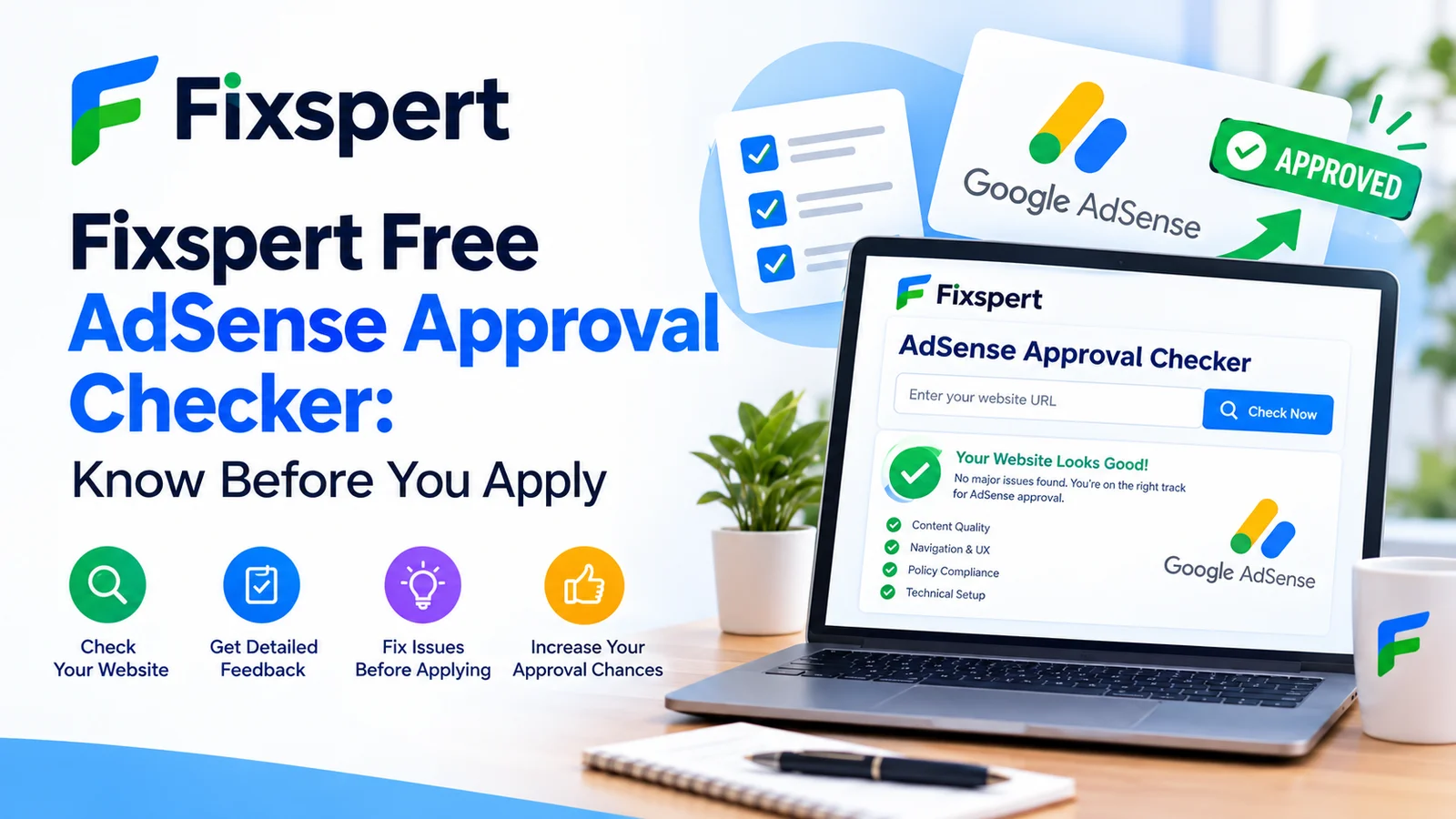
That's exactly what Fixspert's free tool does. Point it at your URL and it checks your site against the things Google actually reviews — not generic SEO advice, but the specific signals tied to AdSense eligibility.
What an AdSense Approval Checker Actually Does
An AdSense readiness tool isn't a magic approval switch — nothing can guarantee that, since the final call always belongs to Google. What it can do is answer the question every applicant actually has: will my website get approved for AdSense, or is something about to get it rejected? Instead of applying blind and waiting a week for an answer, you get a same-day answer with specifics attached.
Fixspert's checker scans your site the way a reviewer would — content depth, required pages, navigation, and technical setup — then returns a plain-language report: what's already solid, what's missing, and what to fix first.
The Four Things Google Is Actually Evaluating
Google doesn't publish a single numbered checklist, but its Program Policies and publisher guidance consistently come back to four areas. Every rejection reason maps to one of them.

Fixspert's checker scores each of these four areas separately, so you know exactly which one needs work.
For the official source on what's allowed and what isn't, Google's own AdSense Help Center is worth bookmarking alongside any checker — a tool can catch structural issues, but the policy fine print is still Google's to define.
The Most Common Reasons Applications Get Rejected
Run enough sites through an AdSense compliance checker and the same issues keep surfacing, roughly in this order of frequency:
Low value or insufficient content — too few pages, thin posts, or content that reads as duplicated or auto-generated.
Missing required pages — no Privacy Policy, About, or Contact page for reviewers to find.
Confusing navigation — menus that don't lead anywhere clear, or a site structure that's hard to crawl.
Site not fully live — placeholder pages, “under construction” sections, or broken links at review time.
ads.txt problems — missing, misconfigured, or not yet propagated file.
Restricted content — niches or material outside AdSense's advertiser-friendly guidelines.
Almost every one of these is fixable in an afternoon once you know which one applies to you — which is the entire point of checking first instead of waiting on a rejection email to tell you.
If your site's technical foundation is shaky in other ways too, it's worth running it through Fixspert's free website security scanner as well — broken SSL or exposed files can quietly hurt both security and approval odds.
How Fixspert's AdSense Approval Checker Works
Enter your URL — no account, no install — paste your site address and start the scan.
Automated readiness scan — the checker reviews content depth, required pages, navigation structure, and technical signals like ads.txt and page load.
Instant readiness score — get a clear score across each of the four pillars, not just a pass/fail guess.
Fix list, ranked by impact — see exactly what to fix first — the issues most likely to trigger rejection are flagged at the top.
Re-scan before you apply — run the check again after fixes to confirm you're actually ready, then submit with confidence.
AdSense Eligibility Checklist
Before you even open the application form, most of what determines approval comes down to this short list:
You're at least 18 years old and the site owner of record
Your site runs on a custom domain rather than a free subdomain
You have a meaningful body of original content — not a handful of thin posts
Privacy Policy, About, and Contact pages are live and linked from your navigation
The site is fully built — no placeholder pages or broken sections
Your content avoids AdSense's restricted categories
ads.txt is correctly set up once you have a publisher ID
Every item on that list is something Fixspert's checker verifies automatically, so you're not cross-referencing policy documents by hand.
Fixspert vs. Manual Review vs. Paid Audits
| Reading policy docs yourself | Paid AdSense audit service | Fixspert Checker |
Cost | Free, but time-heavy | Often $20–$150+ | Free |
Speed | Hours of cross-referencing | Days, depending on provider | Instant scan |
Specificity | General policy language | Depends on reviewer | Page-by-page findings for your site |
Repeatable | Manual every time | Usually a one-off | Re-scan anytime, free |
After You Apply: What Happens Next
AdSense approval typically takes anywhere from a few days to a few weeks, depending on review volume. If you're rejected anyway, resist the urge to resubmit immediately — read the specific reason Google gives, fix that issue, give your site a week or two to be re-crawled, and then reapply. Sites that get approved on a second or third pass almost always changed something concrete between attempts rather than just clicking submit again.
Related reading on the Fixspert blog
Frequently Asked Questions
Is the Fixspert AdSense Approval Checker really free?
Yes. Enter your URL and get a full readiness report with no signup and no cost.
Can a tool guarantee my AdSense application gets approved?
No tool can guarantee approval — Google makes the final decision. What a checker can do is catch the specific, fixable issues that cause most rejections before you apply.
How long does Google AdSense approval usually take?
Typically a few days to a few weeks, depending on review volume and how clean your site is when you apply.
What does “low value content” actually mean?
Usually too little original content, thin or duplicated pages, or content that doesn't give a reader anything a dozen other pages don't already say.
Check your AdSense readiness now
Free, instant, and specific to your site — see exactly what to fix before you apply.
Run the AdSense Approval Checker →
Fixspert builds free tools for website owners and freelancers — from AdSense readiness to security scanning. Explore more at fixspert.com.